Turning your tablet into a digital planner is one of the simplest ways to feel more in control of your days.
With the right 2026 planner, you can move between yearly goals, weekly plans and daily to-dos in a tap—without piles of paper or slow, clunky apps.
Below you’ll find a curated list of 2026 digital planners and editable templates from Creative Fabrica:
GoodNotes-first bundles, all-in-one dashboards and Canva/KDP interiors for sellers.
Browse the options, grab your favorites for free and build a planning system that actually fits your life.
1. 2026 Digital Planner Bundle for GoodNotes
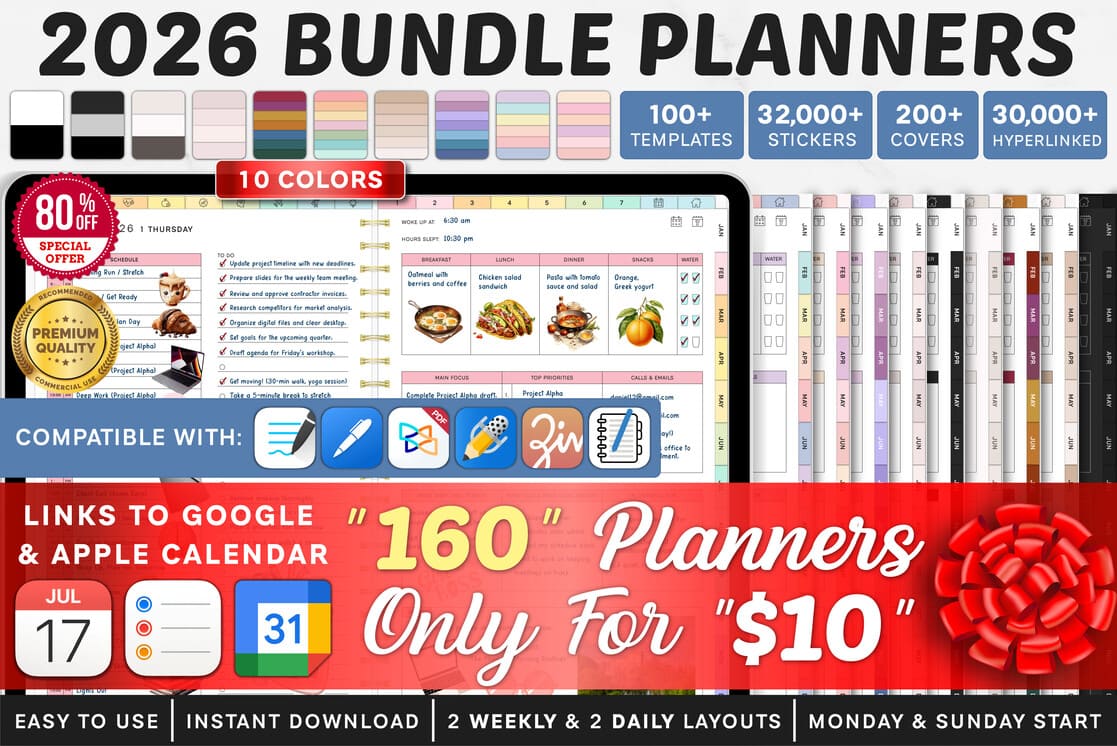
A massive, coordinated bundle built specifically for GoodNotes users.
You get a full 2026 system with color-coded layouts, hyperlinked monthly/weekly/daily pages and matching covers,
plus dedicated spaces for meal planning, projects, finances and more.
Ideal if you want your entire year laid out in one sleek dashboard that feels fast and intuitive on iPad.
2. All-in-One Digital Planner for GoodNotes

This all-in-one planner turns GoodNotes into a central hub for your whole life.
Clickable tabs move you between daily planning, goals, budgets, self-care, household tasks and more in seconds.
The layouts stay clean and colorful without feeling overwhelming, so your notes look pretty while still being practical for everyday use.
3. All-in-One Digital Planner – Instant Download
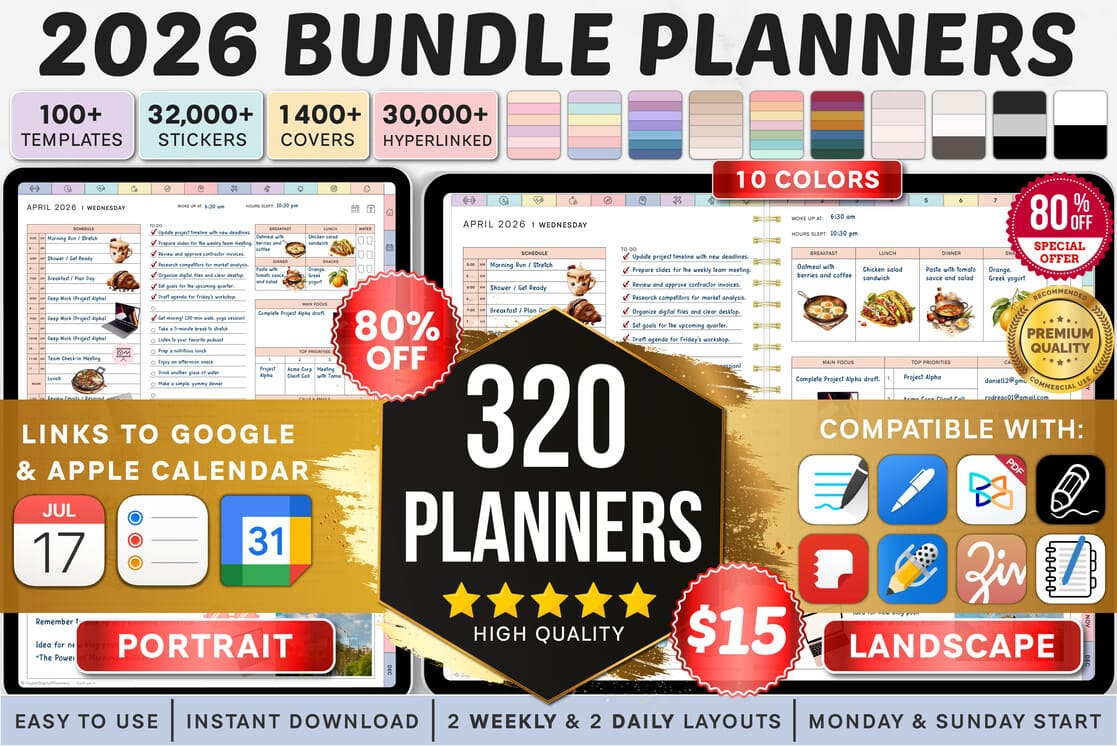
A powerhouse planner built for busy work, school and home schedules.
It comes packed with dozens of templates, thousands of stickers and a huge range of matching covers,
so you can design a planner that feels truly yours.
Use the hyperlinked structure to jump between schedules, trackers, projects and notes without scrolling through endless pages.
4. 100+ Editable KDP Templates · 2026 (Canva Interiors)
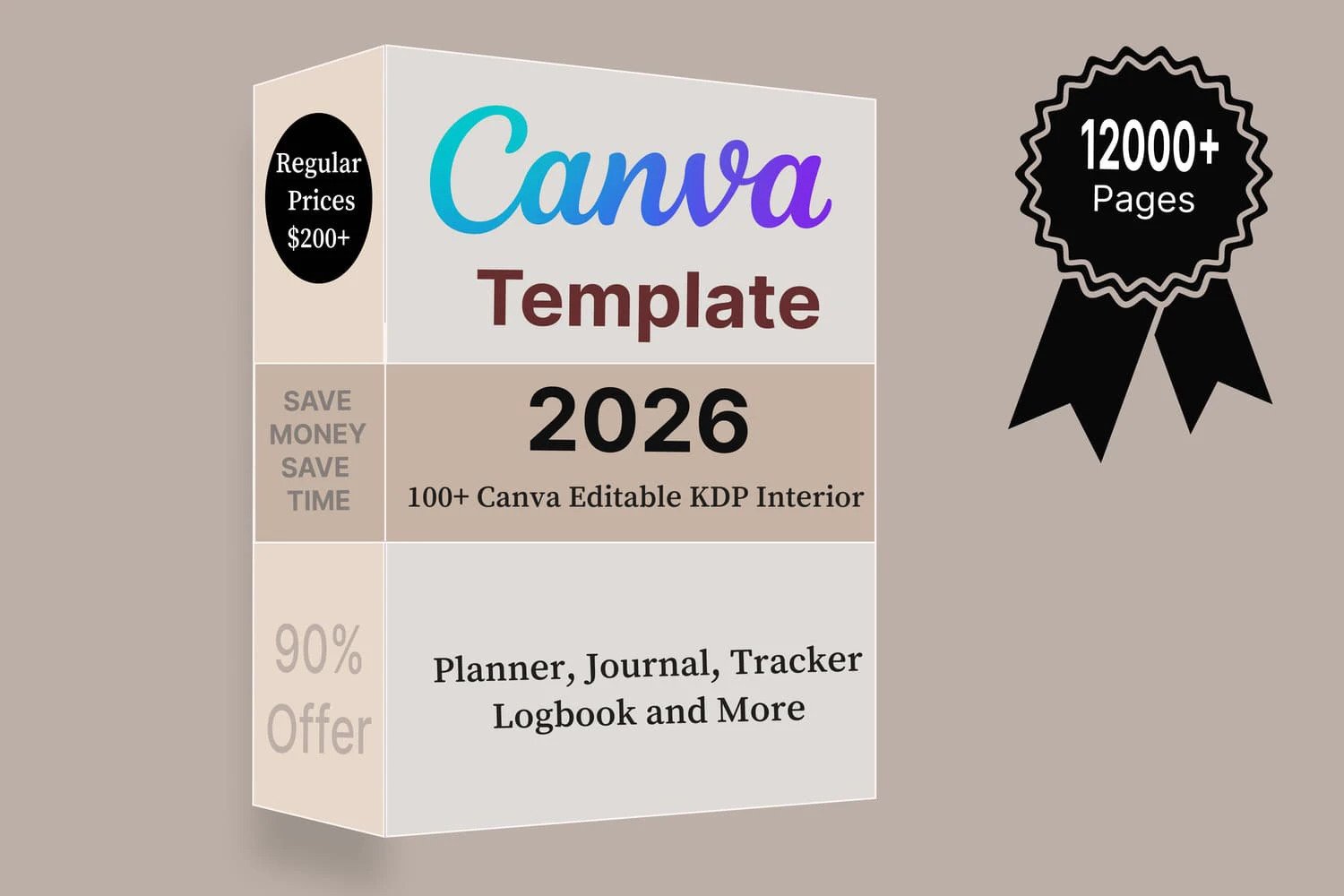
Perfect for creators who publish planners and journals on KDP.
This bundle includes over 100 ready-made Canva interiors for 2026: planners, calendars, journals, trackers and logbooks.
Open any template in Canva, tweak the colors and text, duplicate pages and export to PDF for upload.
A huge time saver if you want to scale your planner catalog quickly.
5. 50 Editable Canva Templates (6×9) for KDP
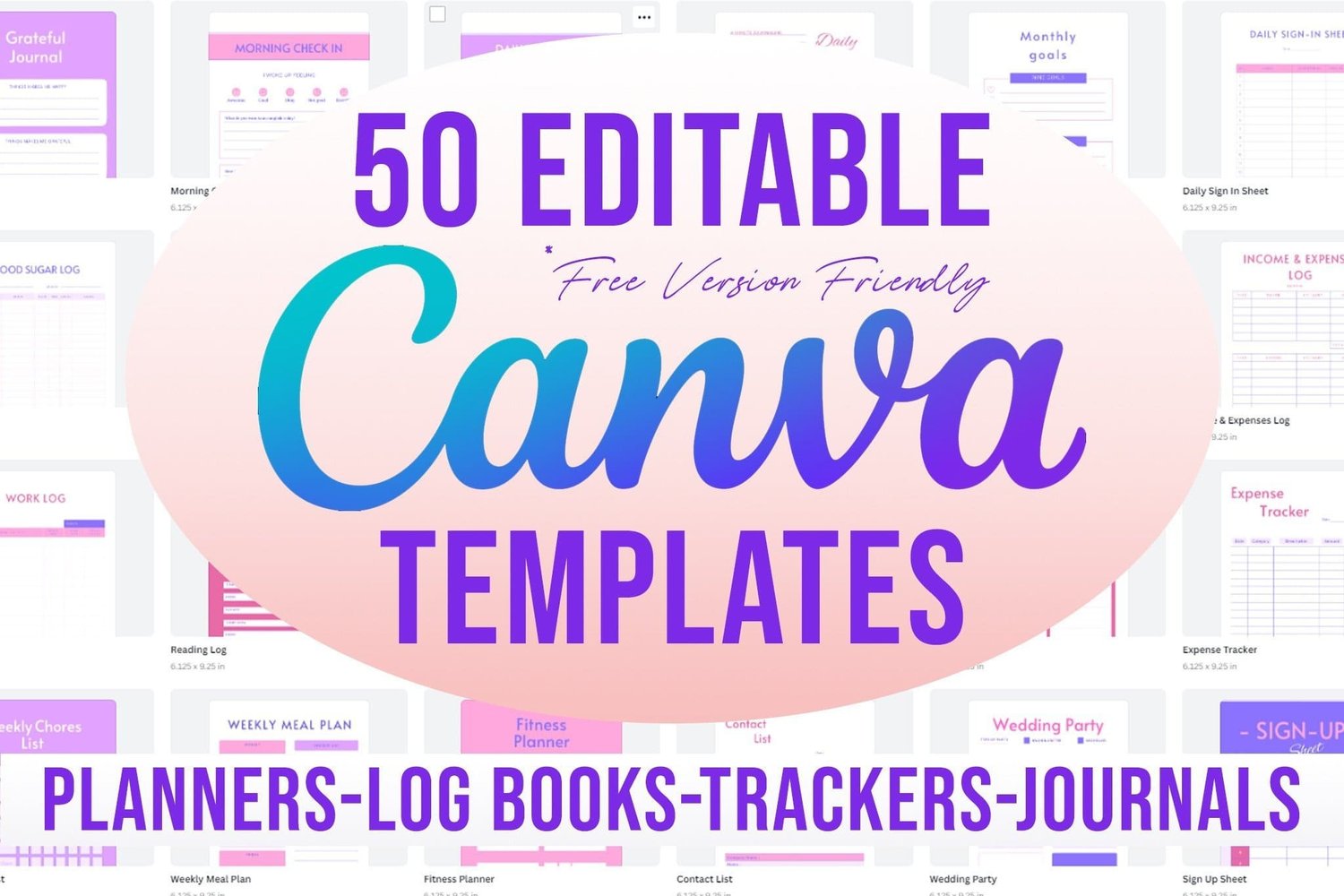
A focused set of 6×9 Canva interiors designed for low-content publishing.
Inside you’ll find planners, trackers, journals and logbook layouts that you can mix and match to create new products.
Every page is fully editable in Canva, so you can adapt fonts, colors and structure for different niches or languages.
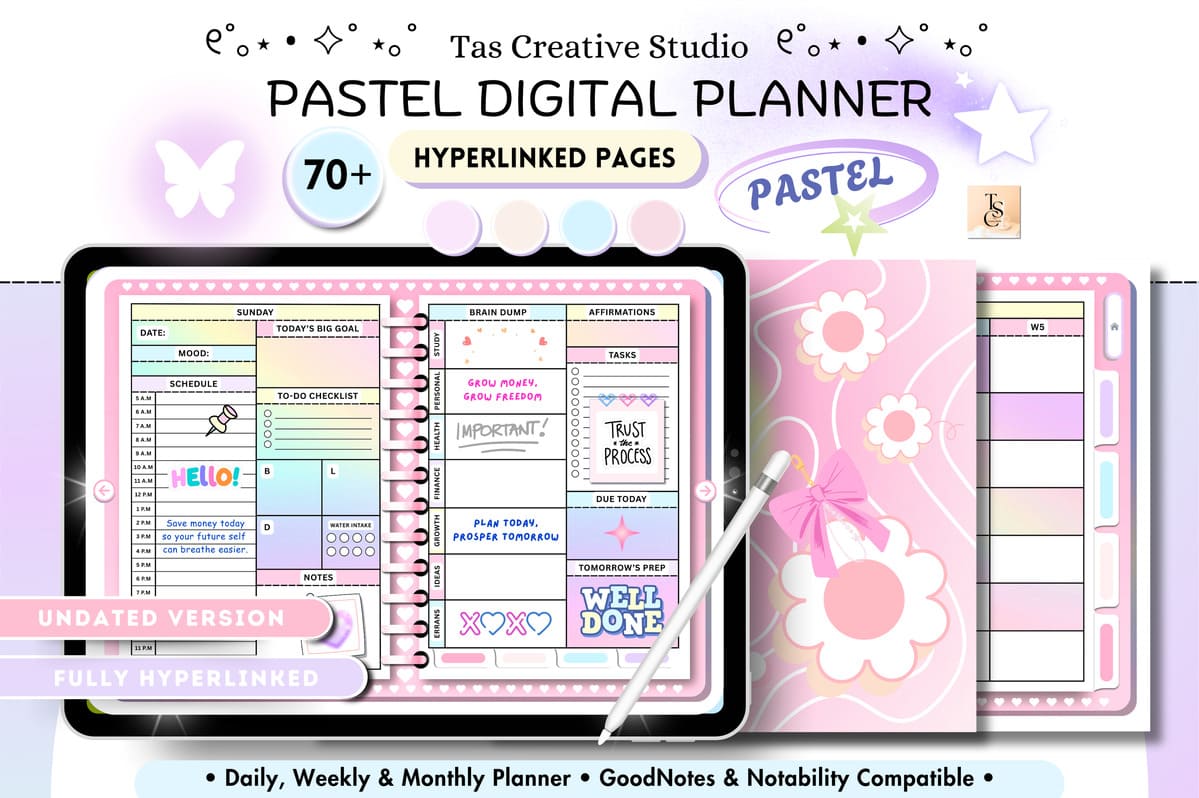
6. All-in-One Undated Digital Planner (Pastel)
Love starting fresh at random times of the year?
This undated planner lets you jump in any month and reuse the pages year after year.
Hyperlinked tabs take you to daily, weekly and monthly spreads, plus habit, budget and wellness sections.
Soft pastel colors keep the design playful while still giving you plenty of white space to write.
Final Verdict: Which 2026 Digital Planner Should You Choose?
We’ve highlighted planners that feel fast, stay organized and actually support your real life—not just look good in screenshots.
Whether you want a GoodNotes-only setup, a flexible undated planner or editable interiors for KDP, there’s an option above that can become your go-to system.
Pick the planner that matches how you naturally plan—simple bundle, all-in-one workspace or reusable undated layouts—download it,
import to your favorite note-taking app or Canva, and spend a few minutes mapping out your next week.
Small, consistent planning sessions now can make the whole 2026 season feel lighter and a lot more intentional.